Saved Ads
Saved Ads: Build a Personal Swipe File of Competitor Meta Ads
Build a Meta ads swipe file: save any competitor ad in one click, and Wilow keeps a snapshot of the creative so it still renders after Meta's links expire.
Founder, Wilow
·
August 22, 2026
Every performance marketer has been here: you spot a competitor ad that is doing something smart, make a mental note to reference it in your next creative brief, and a month later you cannot find it again. Meta's Ad Library links expire. Screenshots pile up in a folder. The ad that inspired you is gone.
Wilow's Saved Ads fixes this. One click saves any competitor ad to a permanent, workspace-wide collection. The creative is snapshotted at the moment you save it — the image is stored permanently even after Meta's CDN links expire — so your swipe file is still intact months later when you need it for a brief, a pitch, or a creative direction meeting.
How saving works
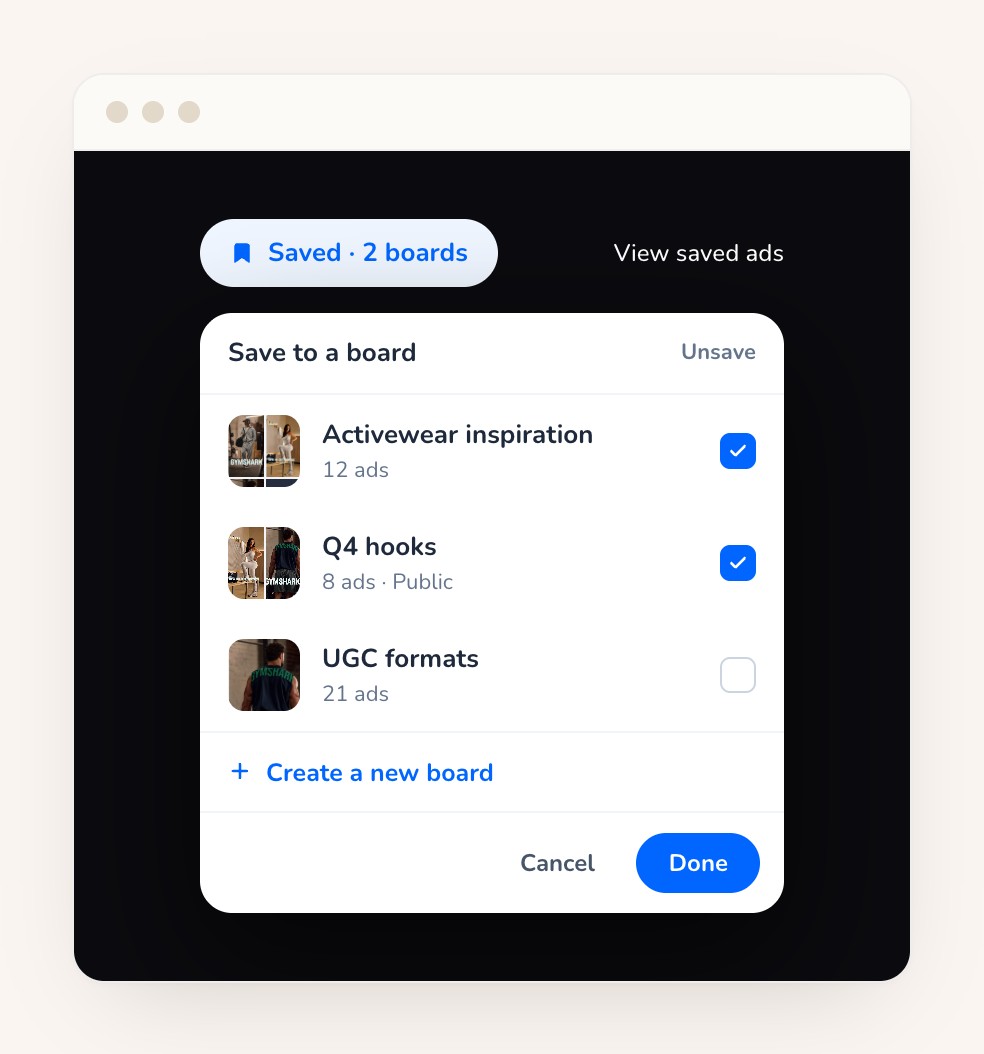
Browse any brand in Wilow's Ad Library — the free public tool or the in-app version. When you see an ad worth keeping, click Save ad at the top of the ad detail pane. The button flips to "Saved" and the ad joins your collection. Unsaving is the same button — one click reverses it.
A saved ad is a frozen snapshot, deliberately. It does not refresh, does not re-check whether the ad is still live, and does not update its reach. It is the ad as it was on the day you kept it — the creative, the brand, the copy, the call-to-action, the landing-page link, and how long it had been running at the moment of save.
The engineering that makes this work is non-trivial. Meta's image links expire within days, but a saved ad has to keep rendering for years. Wilow snapshots creatives at save time — downloading each image while Meta's CDN link is still alive and storing the bytes in durable storage with a long cache.
The Saved view: your collection, one place
Every ad you save appears in the Saved view — a grid of cards, newest first. Each card shows the creative, the brand's name and logo, the ad copy, the call-to-action and landing-page link, and how long the ad had been running when you saved it. An account with nothing saved gets a written explanation of where saved ads come from, not a blank page.
The Saved view lives inside the Ad Library area rather than claiming its own top-level navigation entry. It is tucked close to the ads it collects, and opening it from the search bar keeps you in the browsing context. There is no cap on saves.
Bring your public-library saves into the app
Visitors to Wilow's free public Ad Library can save ads without an account — their collection is held in the browser against a secret list ID. When they create a Wilow account, a "Bring these into Wilow" action carries that collection into signup, and the ads are waiting in the app's Saved view when they arrive.
The import is one-way and repeatable: it never removes anything from the visitor's browser, re-running it adds only what is new, and it never duplicates an ad already on the account. The public tool's in-browser saved view was always an interim measure while the in-app version was built, and retires on that handover.
Why Saved Ads is free
Saved Ads is free on both Wilow plans — no tier restriction, no save cap. The reasoning is simple: this is the reason to create a free Wilow account in the first place. A marketer who saves ads from the public tool and wants to come back to their collection tomorrow needs an account to store it. Gating saved ads behind a paid plan would defeat their purpose — they exist to turn a public-library visitor into a Wilow user, and once someone is in the app with a growing swipe file, upgrading to Pro for deeper analytics is a natural next step.
Pricing
Saved Ads is free. Create a Wilow account — no credit card required — and your saved ads live in the app permanently. The public Ad Library is also free, with no account needed to browse and save. Creating an account is only asked when you want to keep your collection across sessions and devices.